
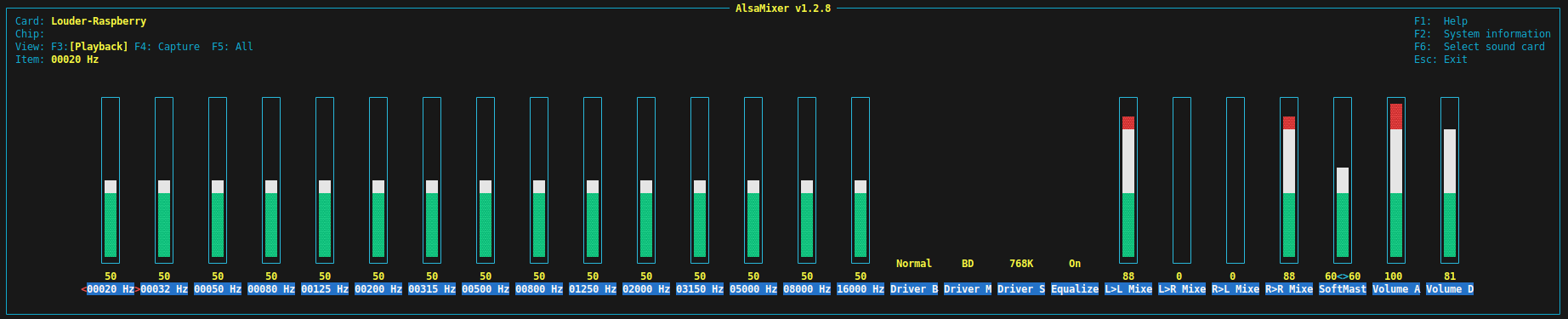
The TAS58XX drive on Raspbian is both beautiful and problematic at the same time. It is one of the few drivers that allow on-the-fly DSP configuration, and it gets stored and re-applied on restart completely effort-less. And you have both UI and command line ways to change all the settings, isn’t that great?
But there is a problem also – you have to build and install it manually, since it is not part of the official kernel code. It might be at some point in the future, but not at the moment. Although it is not as hard as it sounds, and fairly well documented, it still scares many people, I can only assume.
Some time ago, I created a one-command install script for Raspbian that does all of the work and leaves you with a fully configured audio card. And I spent the last two days and about a billion tokens to do the same for Volumio. The evil thing is not cooperating at all. Anyway, just wanted to let you know that I’m officially giving up. If anyone here is up for the job, you’ve got a free Louder board from me.
But there is good news as well. I extended that to support Diet-Pi for Louder boards. What it does is
- pulls kernel headers
- pulls driver code from GitHub
- builds and installs a kernel module
- compiles and adds the device tree to the boot partition
- adds configuration to config.txt
So after reboot, you have a ready-to-use sound card.
For the Raspbian it is
curl -sL https://raw.githubusercontent.com/sonocotta/raspberry-media-center/refs/heads/main/firmware/cloud-init/configure-louder.sh | sudo bashAnd for Diet Pi
curl -sL https://raw.githubusercontent.com/sonocotta/raspberry-media-center/refs/heads/main/firmware/cloud-init/configure-louder-diet-pi.sh | sudo bash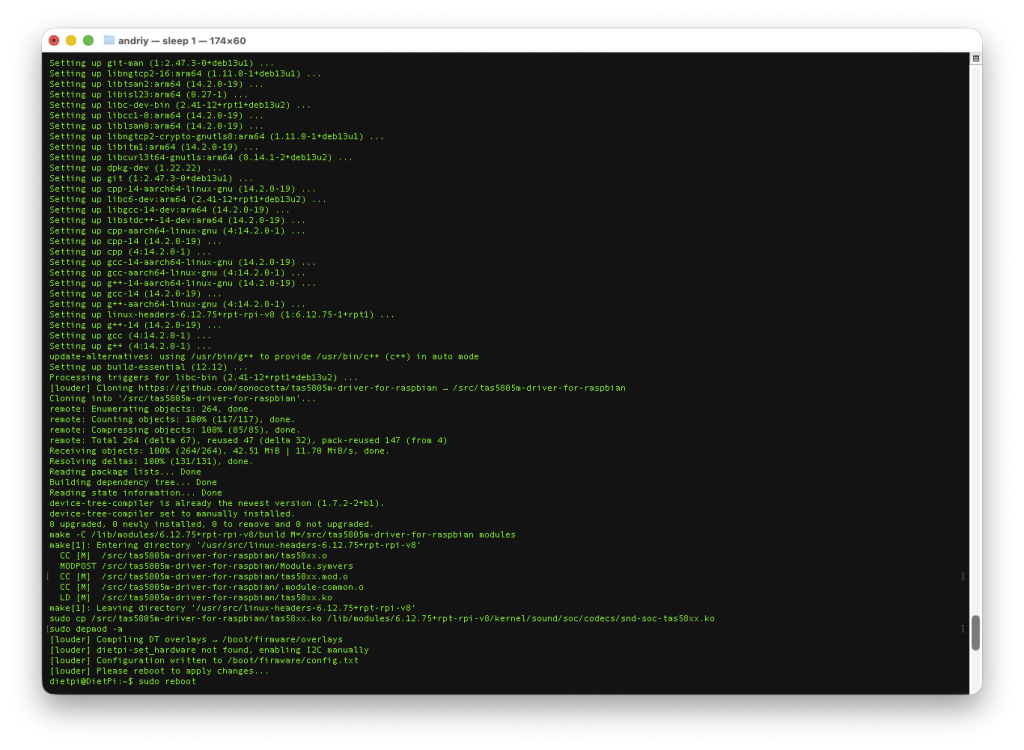
Leave a Reply
You must be logged in to post a comment.