Start from what you want your speakers to do. Each guide below tells you which device to buy, which firmware to install, and how to set it up step by step — no prior knowledge needed.
Pick a guide
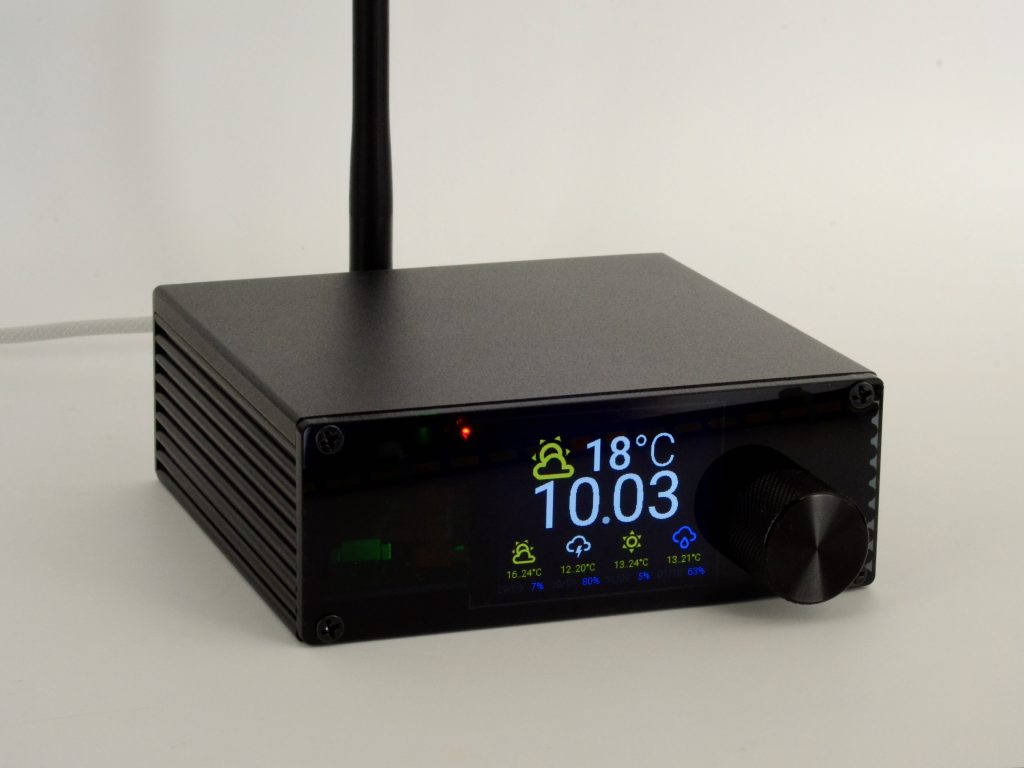
Multi-room audio for Home Assistant
Music in every room, in sync, with announcements and automations. Spotify Connect and AirPlay included through Music Assistant.

AirPlay 2 for any speaker
Show up in Control Center next to your HomePod. No server, no app — plus pro-level sound tuning on Louder devices.
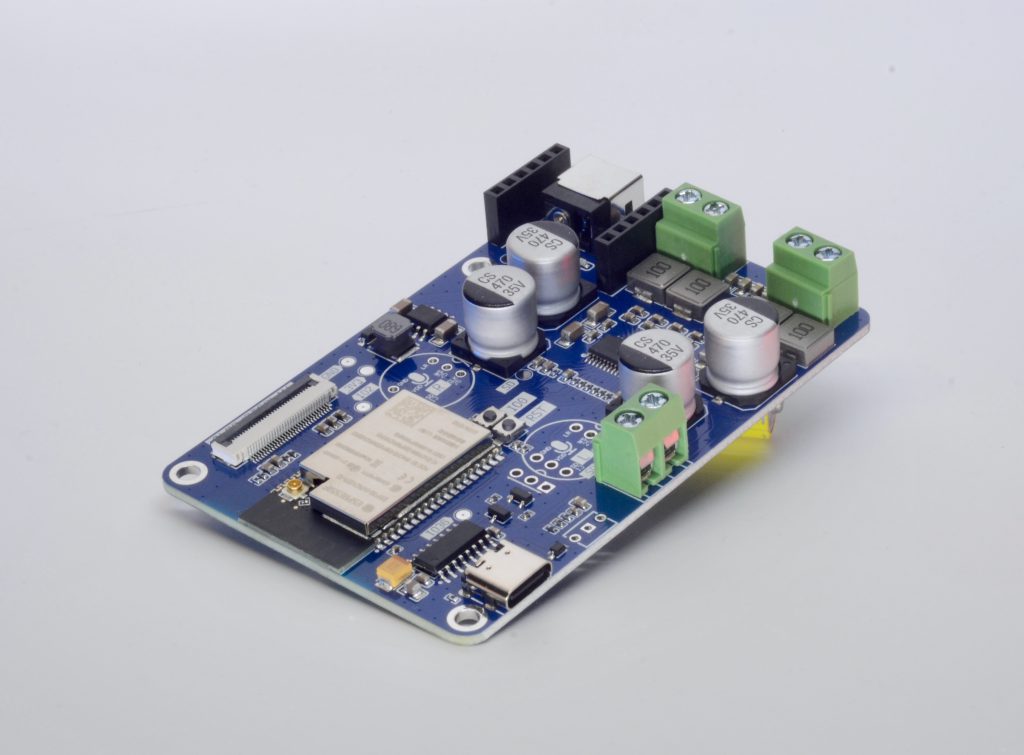
Spotify, AirPlay and Bluetooth
One speaker the whole household can use, iPhone and Android alike — all standalone, nothing else to run.
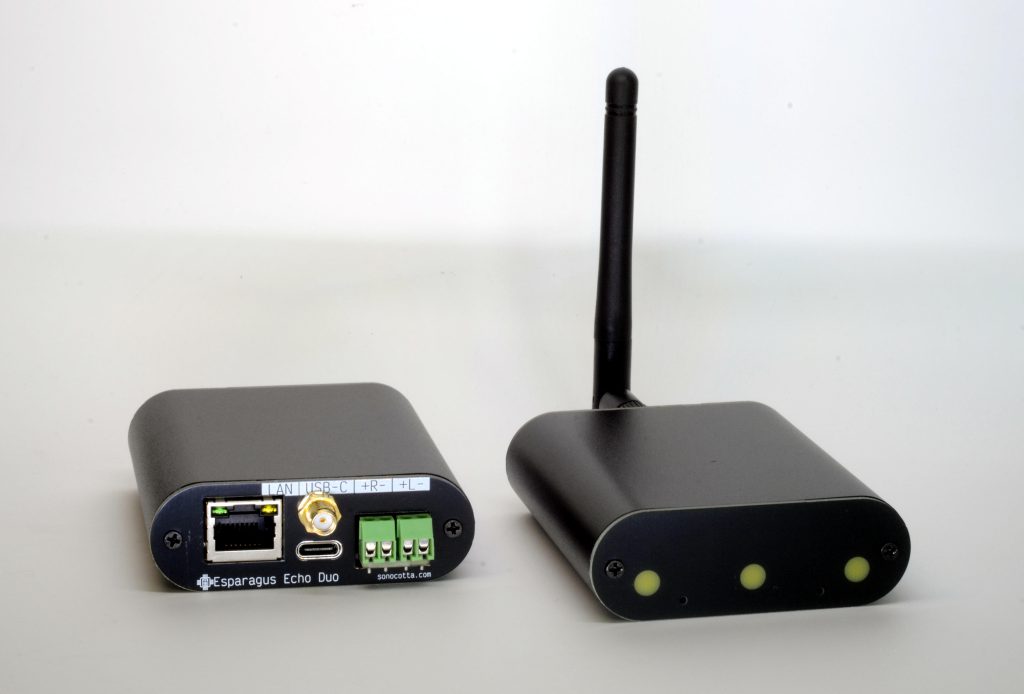
A private voice assistant
Replace Alexa with Home Assistant Assist: wake word on the device, speech at home, and music in the same box.
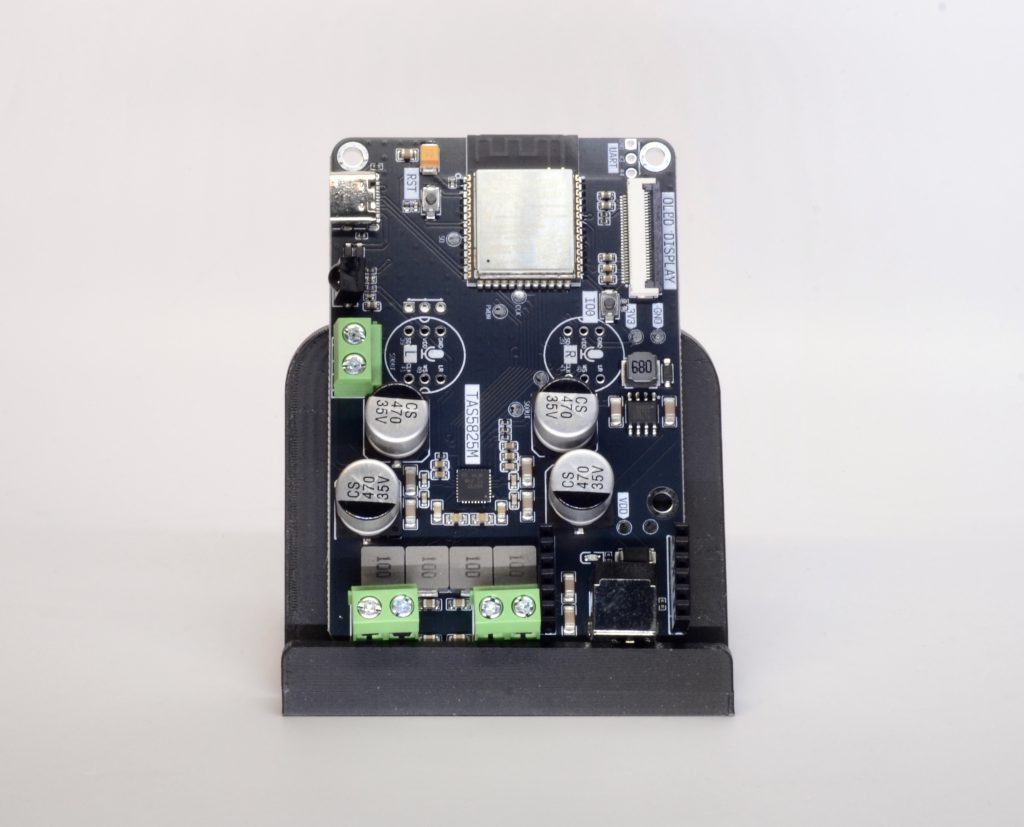
Perfectly synced multi-room
Snapcast for every room: near-perfect timing, flexible groups, different music in different rooms.
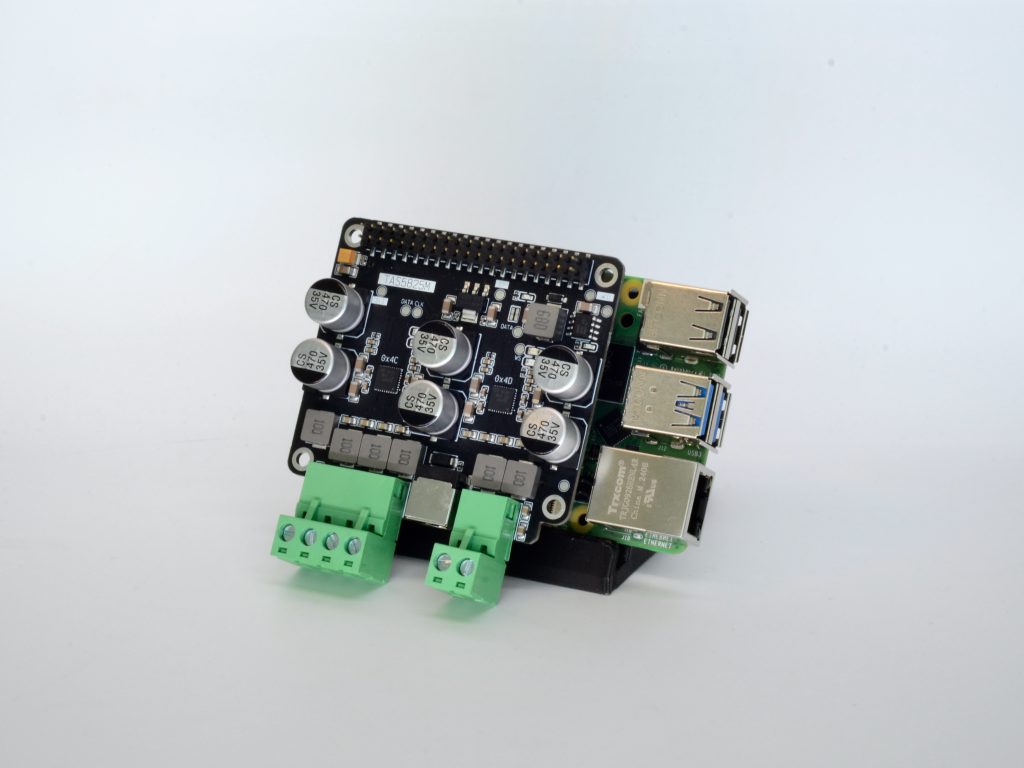
Prefer a Raspberry Pi?
Hats and complete media centres with the same DACs and amplifiers, for your favourite Raspberry Pi audio software.
Not sure? Start here
- Already run Home Assistant, or plan to? → Home Assistant
- Everyone at home uses iPhone, iPad or Mac? → AirPlay 2
- A mixed household and you don’t want a server? → Spotify, AirPlay & Bluetooth
- Perfect sync matters more than anything? → Snapcast
- Want to talk to your home? → Voice assistant
Compare them side by side
| Home Assistant | AirPlay 2 | Spotify, AirPlay & Bluetooth | Snapcast | Voice assistant | |
|---|---|---|---|---|---|
| Needs a server | Home Assistant + Music Assistant | no | no (optional, for multi-room) | a Snapcast server (built into Music Assistant or standalone) | Home Assistant |
| Multi-room sync | ✅ via Sendspin | ✅ AirPlay 2 | with Music Assistant or Lyrion | ✅ via snapserver | ✅ via Sendspin (BETA) |
| Spotify | ✅ Spotify Connect via Music Assistant | from the app, over AirPlay | ✅ Spotify Connect built in | through the server | ✅ via Music Assistant |
| AirPlay | ✅ via Music Assistant | ✅ AirPlay 2 | ✅ AirPlay 1 | through the server | ✅ via Music Assistant |
| Bluetooth from a phone | — | classic ESP32 only | ✅ | — | — |
| Voice assistant | optional (beta) | — | — | — | ✅ (beta) |
| Sound tuning on Louder devices | 15-band EQ | full parametric EQ + crossovers | — | 15-band EQ + filters | 15-band EQ |
| Best chip | ESP32-S3 | ESP32-S3 | classic ESP32 | classic ESP32 | ESP32-S3 + microphone |
Which device?
Whatever you choose above, the device depends on one thing: what it plugs into. Each family comes as a bare board (lowest price) or an Esparagus device (aluminium case, ready for the shelf).
| Your setup | Device family | Board | Esparagus |
|---|---|---|---|
| Full-size passive speakers | Louder — real power, with sound tuning | Louder-ESP32 · Louder-ESP32-Pro | Louder Esparagus |
| Small passive speakers (kitchen, desk, bathroom) | Loud — simple, runs from a phone charger | Loud-ESP32 | Loud Esparagus · Echo |
| Inside the speaker itself | Louder Mini — replaces the terminal plate | Louder-ESP32-Mini | — |
| An amplifier, receiver or powered speakers | HiFi — clean line out | HiFi-ESP32 | HiFi Esparagus |
| Speakers now, an amplifier later — or both | Amped — built-in amp plus line out | Amped-ESP32 | Amped Esparagus |
Change your mind any time
- Same hardware, different firmware: every option installs from your browser in a couple of minutes
- Mix them at home: Music Assistant can group Sendspin, Snapcast, Squeezelite and AirPlay speakers together
- Open source all the way: hardware designs and firmware are on GitHub, so nothing is locked in
Stuck? Ask
Not sure which way to go? Come say hi on Discord, open an issue on GitHub, or email me — tell me what you have and what you want, and I’ll point you the right way.